

Embedded Integrations
Embedded Integrations let you create and provision data integrations for your customers directly inside your product. You can host the integration setup experience within your own UI and use the Matia API to create, configure, and manage integrations programmatically.Terminology
In the Matia API, integrations are referred to as Connections. In this documentation, we use Integration to describe the customer-facing concept.
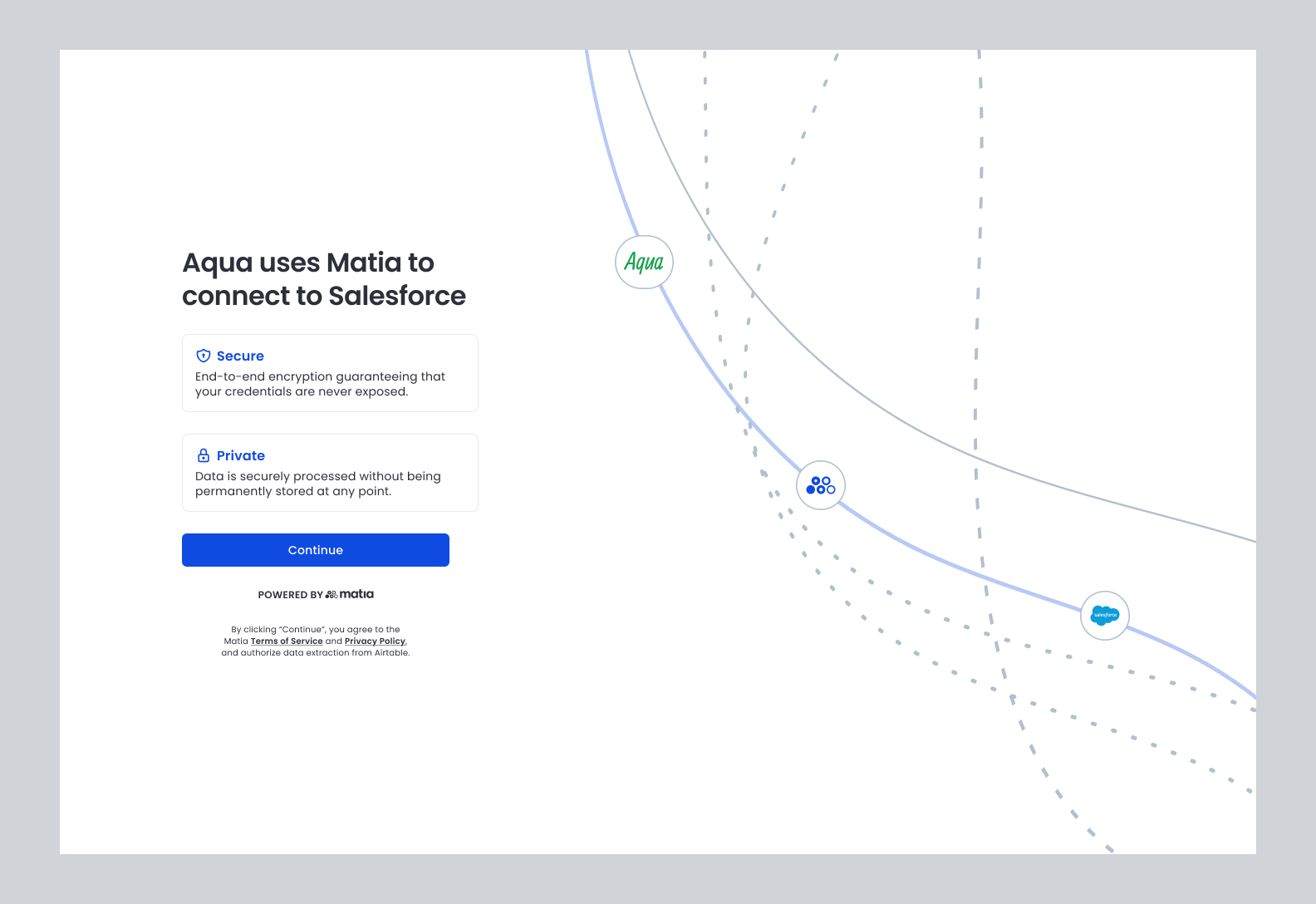
How Embedded Integrations Work
- Your backend creates an integration draft using the Matia API.
- Matia returns a secure, one-time URL for the embedded setup flow.
- You embed or redirect users to this URL inside your application.
- Users authenticate and configure the source.
- After completion, users are redirected back to your application and the integration is ready to run on Matia.
Creating an Embedded Integration
Authentication
All requests to the Matia API must be authenticated using an API key.API keys are generated and managed in the Matia dashboard and should be securely stored on your backend. Never expose API keys in client-side code.
Endpoint
Create an embedded integration by calling thePOST /v1/connections endpoint. This creates an integration draft and returns a URL that launches the embedded setup experience.
Required Request Fields
Destination Configuration
The destination must already exist in Matia before creating an embedded integration.Source Configuration (sourceConfig)
Embedded UI Configuration (connectCardConfig)
Minimal Example Request
Default Behavior When creating a new embedded integration, all available streams are enabled by default. You can see the integration schema on Matia or by using the Get integration source schema API Endpoint
Optional Configuration
The following fields are optional when creating an embedded integration. Use them to control replication behavior and schema change handling.Replication Frequency (replicationFrequency)
Controls how often data is replicated from the source to the destination.
Type: string
Default: manual
Supported values:
manual5,10,15,30,60,120,180,360,480,7201440,4320,10080,43200DBTcron
Base Time (baseTime)
Specifies the starting timestamp for initial data replication.
Type: string (ISO 8601 timestamp)
Example:
Schema Change Handling (onSchemaUpdate)
Controls how Matia responds when schema changes are detected in the source.
Schema changes can include new streams, new or removed columns, or namespace-level changes, depending on the source.
Type: string
Supported Values
Next Steps
- Embed the returned setup URL in your application
- Handle the redirect to confirm that setup completed successfully
- Use the Connections API to monitor status and trigger syncs